Customer and supplier cards
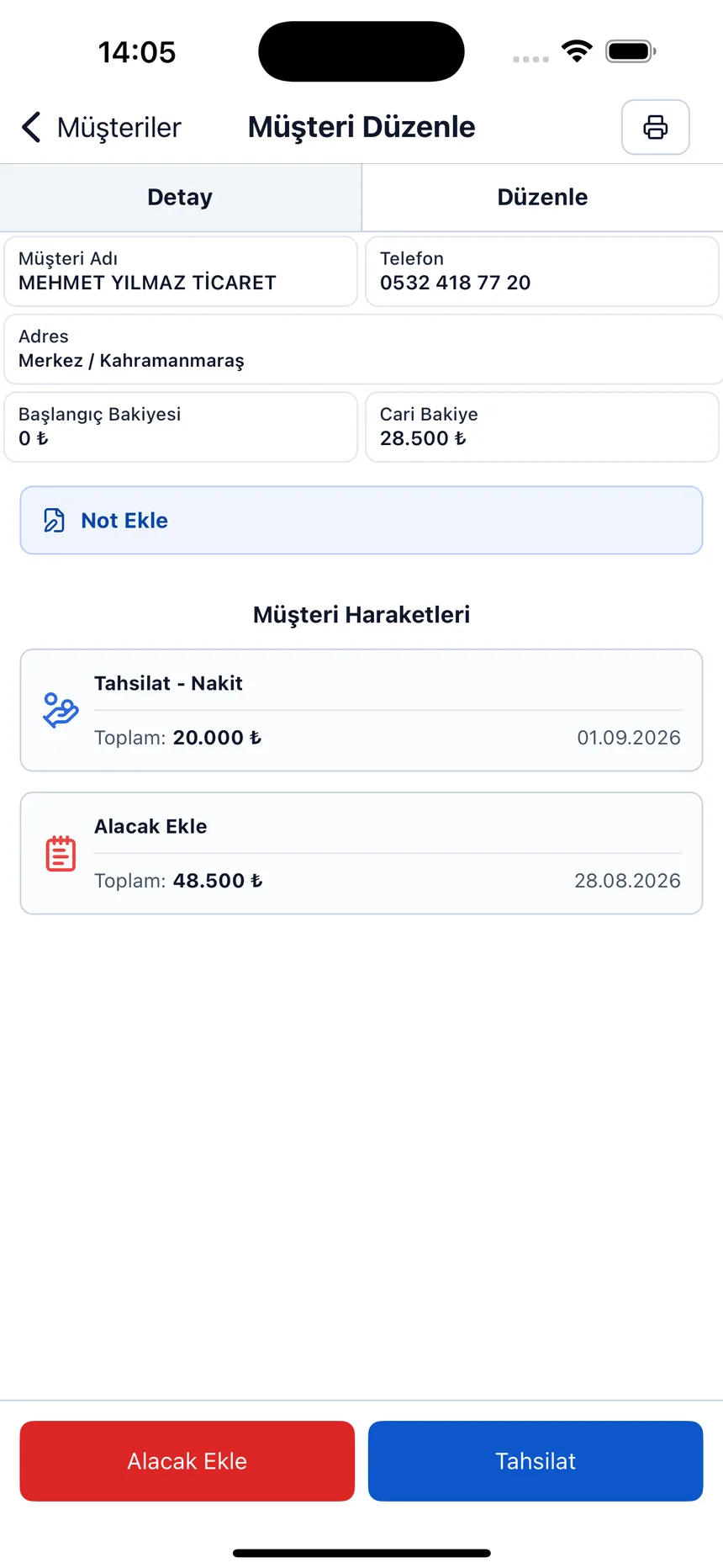
Debit, credit and current balance for each account on a single card, together with phone and address details.

Who owes you and how much, what you owe and to whom, which accounts are overdue — all on a single screen. It runs in your browser, no installation needed.
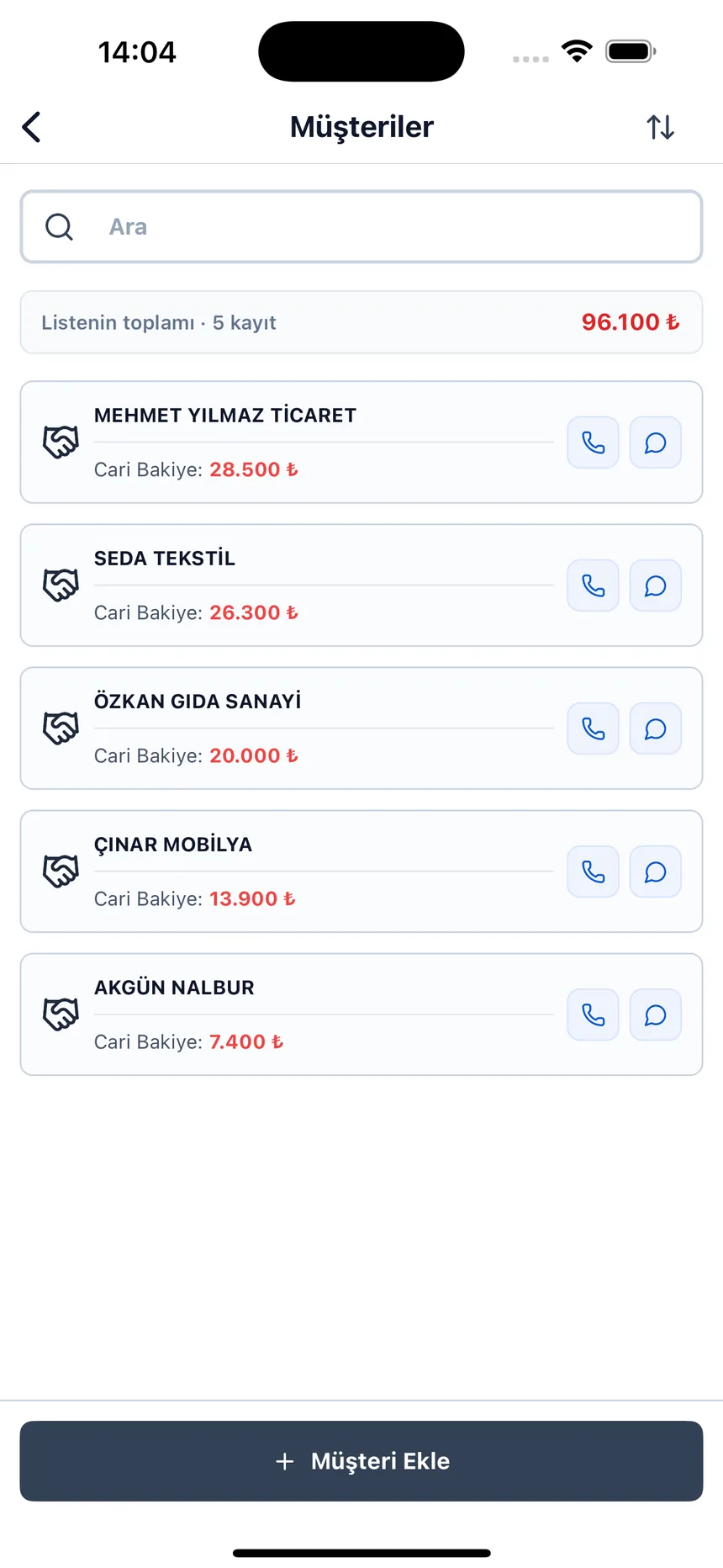
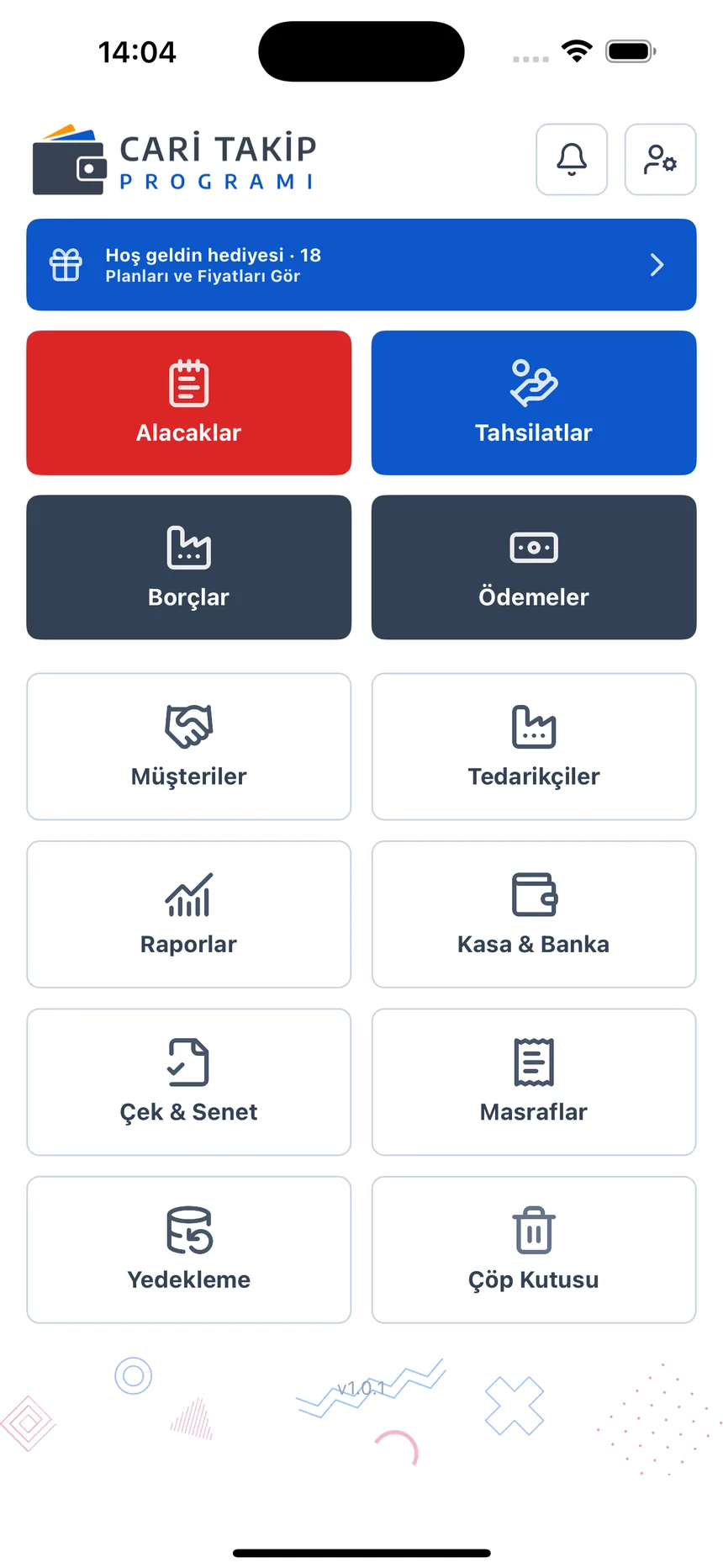
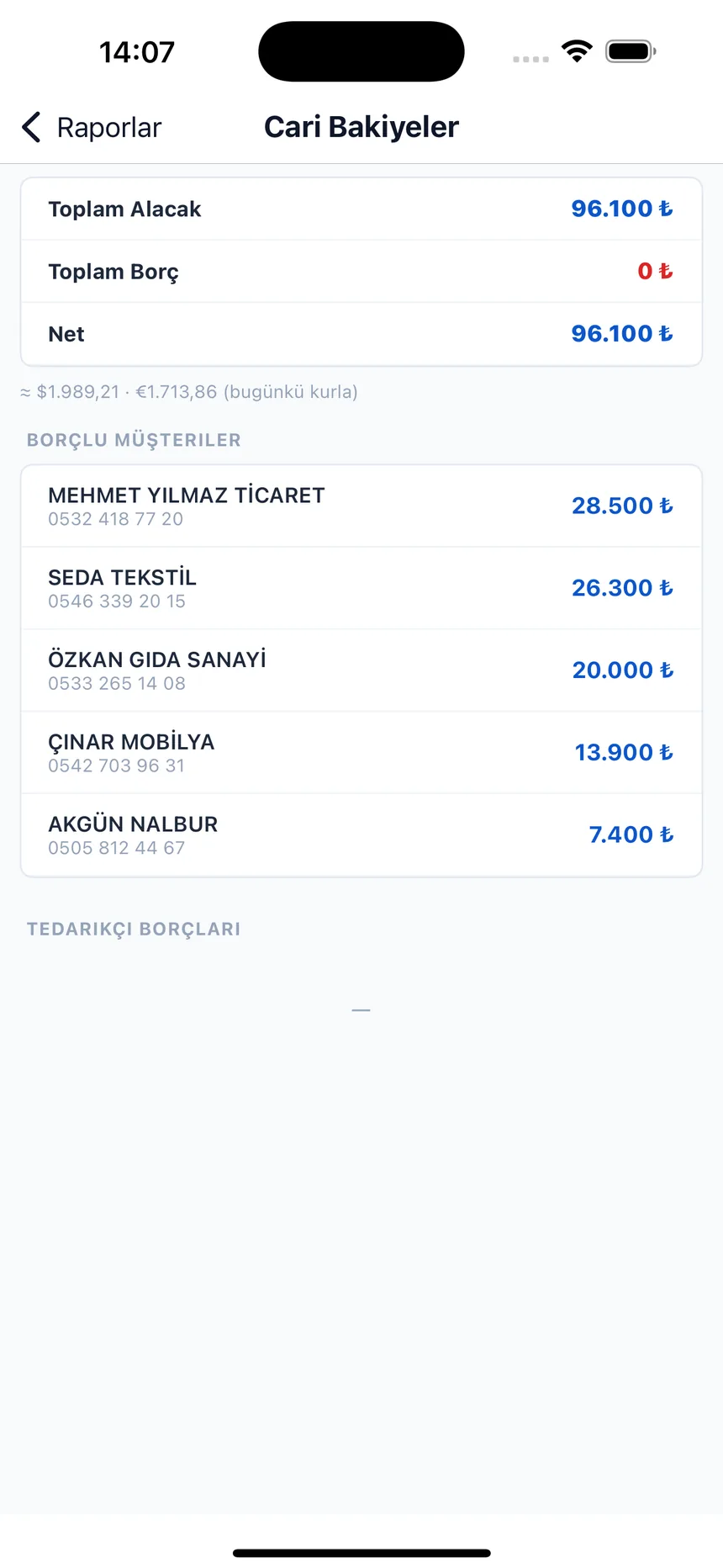
What is account ledger software? Account ledger software (called “cari takip” in Turkey) records the debits and credits between you and your customers and suppliers in date order, and shows each company's current balance and your overdue receivables on a single screen. Account Ledger runs in your browser, needs no installation and starts with a free account; it includes customer and supplier cards, due-date tracking, a cash register, checks/promissory notes and account statements.
For every business that keeps customer and supplier accounts
All screens are from the real app — swipe sideways to browse.
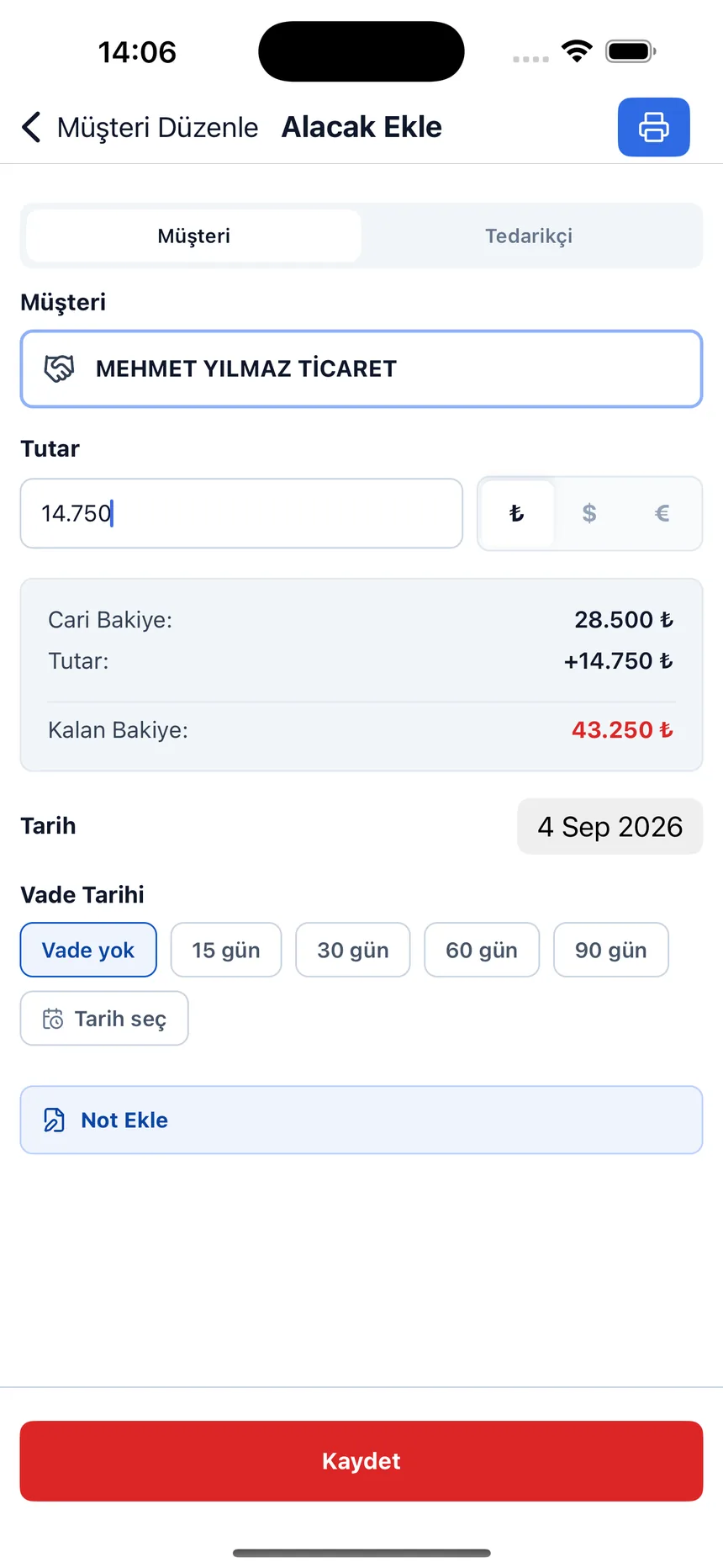
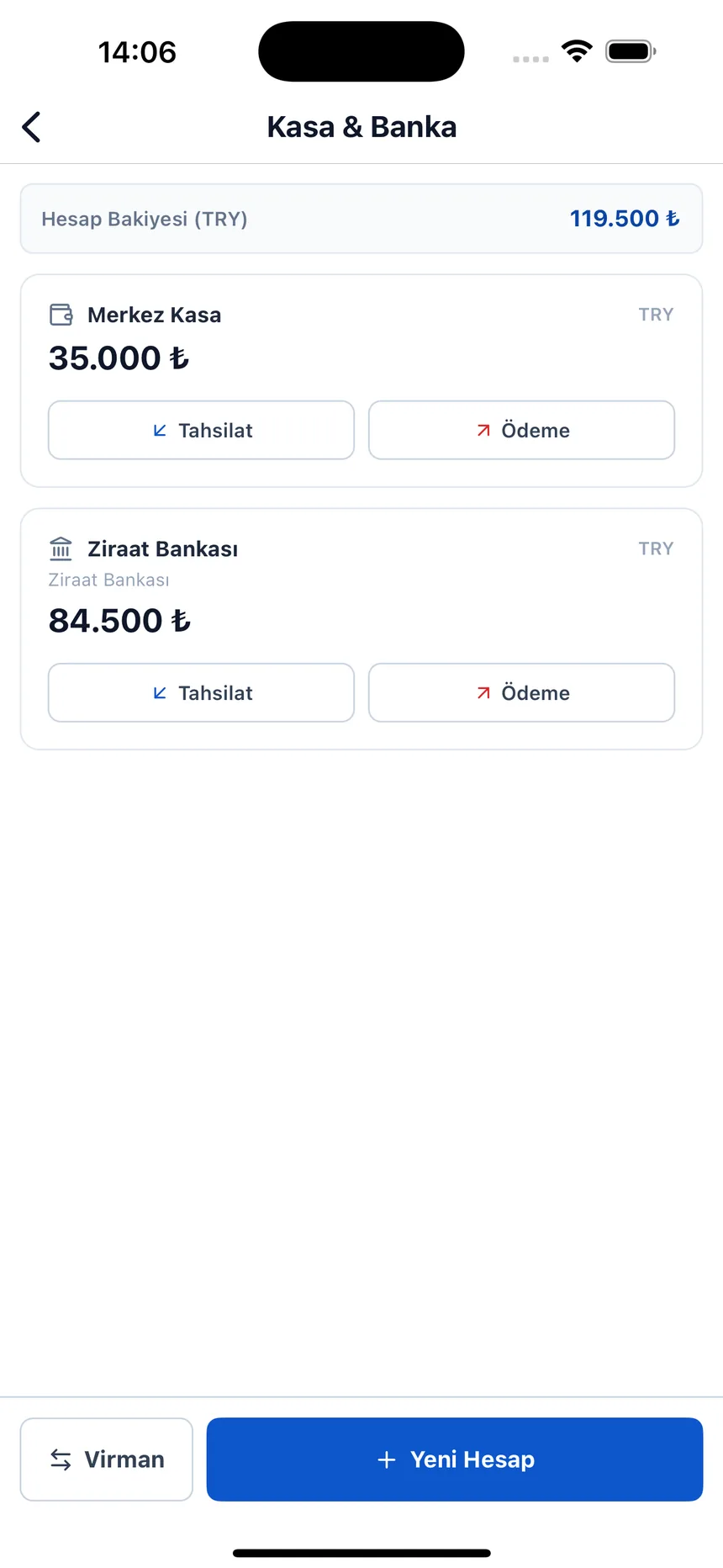
The screens you'll start using as soon as you open an account.
Debit, credit and current balance for each account on a single card, together with phone and address details.
Sales, purchases, collections and payments are entered separately; the balance updates automatically with every transaction.
Every transaction has a due date; accounts that are coming due or overdue are collected in a separate report.
Pick a date range and pull the statement; when you close out an account, both sides hold the same document.
Cash and bank transactions are tracked separately; collections and payments are posted to the cash register.
Checks you have received and issued are listed along with their due dates.
Business expenses are recorded; balance, due-date and transaction reports are gathered on a single screen.
Get notifications for accounts that are coming due; you can back up your data yourself.
If you're new to the terms: our what is a cari hesap (customer/supplier account) and what is a cari ekstre (account statement) pages explain the debit–credit logic and how to read an account statement with examples. If you'd like a step-by-step guide to the ledger's columns, how to write a transaction and how to keep the balance running, see how to keep a customer/supplier account. You'll find a weekly routine that puts overdue receivables first in how to track collections and due dates, and the portfolio routine behind the “Checks and promissory notes” screen above in how to track checks and promissory notes, step by step.
If you also keep stock, or you only need a simple credit ledger, one of these may fit your business better.
If you keep stock alongside customer accounts: barcode sales, stock, accounts, collections and reports in one program. Web, Android and iPhone.
Try it freeIf you’re looking for a retail credit ledger: customer balance, collection records, due-date tracking. Works in the browser.
veresiyetakibi.comIf you’d rather start on paper first: ready-made, with debit, credit and running-balance formulas. You can import it into the panel later.
Download the templateThe dashboard is live. You can open a free account in your browser, create your account cards and start entering debit–credit transactions right away; no installation needed.
No installation; the program runs in the browser. You sign in with the same account from your phone, tablet and computer.
You can import the account list you keep in Excel or in another Ofisx app; you can also export your data.
Basically the same logic: a debit–credit statement. A credit ledger (veresiye defteri) usually covers the small debts of retail customers, while a customer/supplier account describes a broader relationship with customers and suppliers.
Ofisx products support Excel import/export; today you can move over the account list you keep in Excel or in another Ofisx app.
What people who find this page also search for: debt tracking software
Open a free account, create your account cards and start entering your debit–credit transactions.