
How do you track collections and due dates?
Collection tracking means monitoring when and how much of the receivable created by a sale will be collected and reminding in time about accounts that are due or overdue; its foundation is due-date tracking, that is, writing a payment date on every debt record and sorting receivables by that date into overdue, today and upcoming. The routine is set up in five steps: writing the due date at the time of sale, splitting receivables into three groups, starting with the largest amount among the overdue, sending reminders before the due date, and posting an incoming payment the same day together with the invoice it belongs to.
Money that has been sold but not collected is money that doesn’t show in the cash box. The job of collection tracking is to keep it visible — from whom, how much, since what date.
Collection and due-date tracking in five steps
1. Write the due date at the time of sale
The due date is written when you issue the invoice or process the credit sale — it isn’t remembered afterwards. If the customer says “end of the month” or “30 days,” convert it to an exact date and record it. A receivable with no due date doesn’t stand out in any list; it just sits there as a balance, and whether it’s overdue can’t be told. All collection tracking rests on this one field.
2. Split receivables into three groups: overdue, today, upcoming
Sorting all receivables in one list by amount hides the most urgent one. Split the list into three by due date: overdue, due today and coming due in the next 7–30 days. Write each group’s total separately; the real answer to “how much am I owed” is not the third group but the first.
3. Among the overdue, start with the largest amount
Within the overdue group, sort by amount and call the first three items that day. Letting a large receivable wait another week while you deal with many small overdue amounts is the costliest mistake for cash flow. During the call, keep the account’s current balance in front of you as well: if a partial payment has been made, the due item and the balance differ, and asking for the wrong figure prolongs the conversation.
4. Send the reminder before the due date
For upcoming due dates, send a short heads-up message a few days before the due date: the amount, the date and which invoice it belongs to. For an overdue account, send the same three details and attach the account statement, so there is no debate about what is being paid. We explain how to prepare and read the statement on the what is an account statement page.
5. Record the payment the same day and note which invoice it belongs to
If an incoming payment is not entered as a credit on the customer account the same day, you end up making an embarrassing mistake: calling a customer who has already paid. In the description field, write which invoice the payment closes; for a partial payment, also note the remaining amount and the new promised date. If the balances of the two sides don't match at period end, this is the first place to look — details on the how to do account reconciliation page.
Example: the due list on the morning of September 15
This is the list of a wholesaler who has made sales on credit to six customers. If the same records were sorted by amount, the 12,000 ₺ due in 25 days would sit at the top; grouped by due date, the three accounts to call today come to the front:
| Customer | Due | Amount | Status |
|---|---|---|---|
| Customer A — hardware store | 20.08.2026 | 18.400 ₺ | 26 days overdue |
| Customer B — building supplies store | 05.09.2026 | 7.250 ₺ | 10 days overdue |
| Customer C — ironmonger | 12.09.2026 | 3.100 ₺ | 3 days overdue |
| Customer D — grocery store | 15.09.2026 | 4.800 ₺ | today |
| Customer E — stationery shop | 22.09.2026 | 9.600 ₺ | 7 days left |
| Customer F — food wholesaler | 10.10.2026 | 12.000 ₺ | 25 days left |
Total overdue: 18,400 + 7,250 + 3,100 = 28,750 ₺; due today: 4,800 ₺; coming due in the next 30 days: 9,600 + 12,000 = 21,600 ₺. Today's call order is A, B, C — days overdue and amount point in the same direction. A short reminder to D in the morning is enough; for E, a heads-up message is scheduled a few days from now.
How do you track due dates in Excel?
Write each receivable on one row: customer, document no., amount, due date. If the due date is in column E, the days remaining and the status come from two formulas:
Kalan gün :  =E2-BUGÜN()
Durum     :  =EĞER(E2-BUGÜN()<0;"GECİKTİ";EĞER(E2-BUGÜN()=0;"BUGÜN";"VADESİ VAR"))
Sort the list by Status first, then by Amount; use conditional formatting to color the OVERDUE (GECİKTİ) rows red. When a payment arrives, don't delete the row — write the collection date and amount in an adjacent column, so the remaining balance on a partial payment stays visible. A ready-made version of this setup is in the free customer account tracking template, which marks overdue rows automatically; if you want to track collections and remaining amounts per invoice, the invoice tracking Excel template is a better fit.
The limit of Excel is that the list doesn't refresh itself: every morning you have to open the file and filter it, send reminders from somewhere else and match partial payments by hand.
Tracking collections and due dates with software
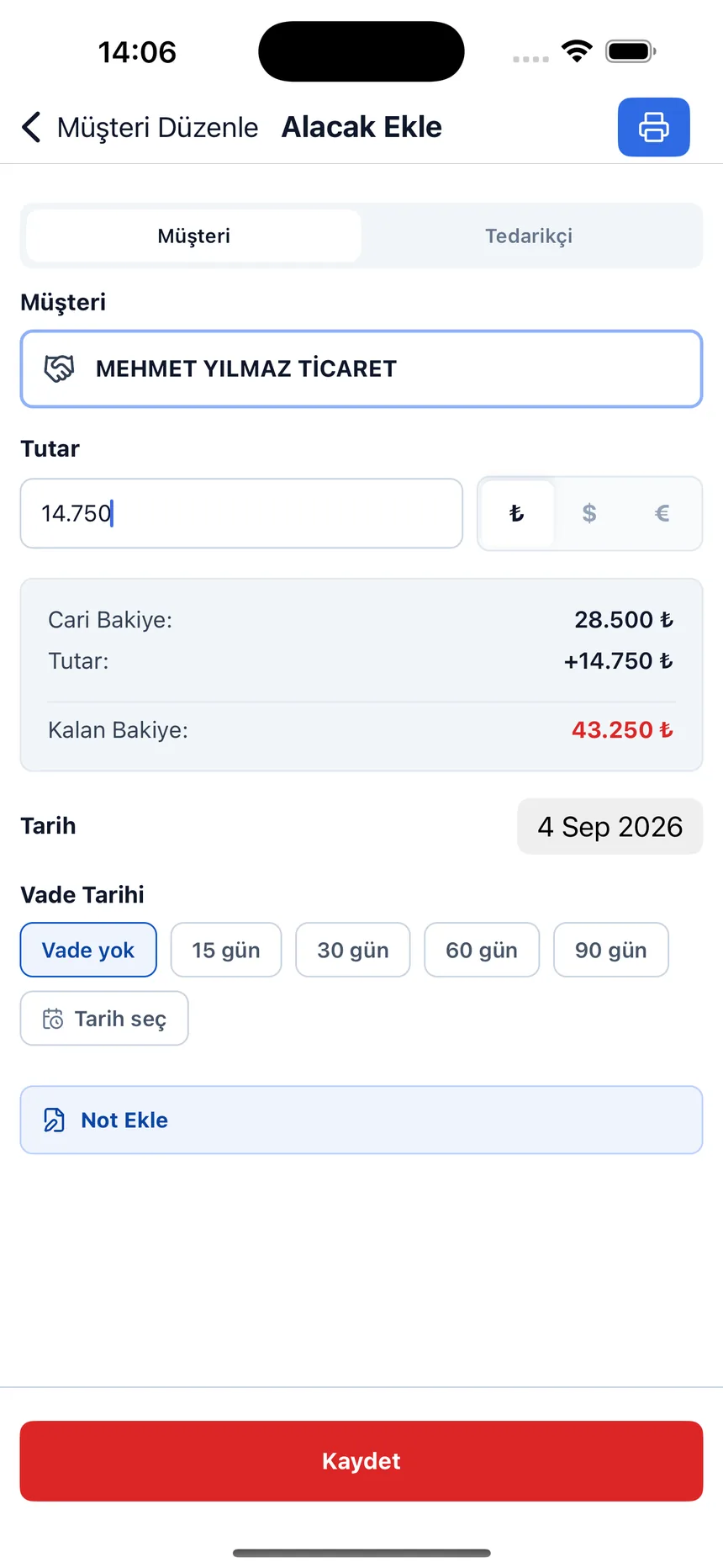
When you record a sale or purchase in the Account Ledger: Debt & Credit app, in the due date field you pick one of the preset terms of 15, 30, 60 or 90 days, or set an exact date from the calendar. The Due Date Tracking screen splits these records into amounts to be collected (customers) and amounts to be paid (suppliers); in each, overdue items, items due today and upcoming items are listed in separate blocks, with their totals. You can switch the window to 7, 30 or 90 days, call the customer with a single tap from any row, or jump to WhatsApp and send a reminder. If the due item and the account's current balance differ, both are shown together. If a receivable is tied to a cheque or promissory note instead of an open account, the way you track it changes — we explain how cheques and notes received and issued are tracked in separate portfolios and how a bounced one is written back to the customer account on the how to track cheques and promissory notes page; cheques and notes nearing their due date are also collected in a separate due date report in the panel.
If you want to manage stock and sales in the same program, Ofisx, and if you keep a credit ledger (veresiye) in retail, Veresiye Takibi may be a better fit; the comparison is on the which one suits me page. We explain the debit-credit logic itself on the what is a customer account (cari hesap) page.
Frequently asked questions
What is collections tracking?
Collections tracking is the routine of monitoring when and how much of the receivables created by sales will be collected, reminding accounts that are due or overdue on time, and posting incoming payments to the customer account. Its purpose is to keep the money that has been sold but has not yet reached the till visible.
What is due date tracking?
Due date tracking means writing a payment date on every debt record and following receivables and payables by that date. It is the foundation of collections tracking: if no due date is written, you can't tell whether a receivable is late.
What is the difference between collections tracking and due date tracking?
Due date tracking answers the question of when: which receivable is past its date, which is coming up. Collections tracking is the whole job built on top of it: reminders, posting the incoming payment, and following the remaining amount on a partial payment. The same routine works on the supplier side as payment tracking.
How often should I check overdue receivables?
For a small business that sells on credit, pulling a list once a week and calling the overdue accounts in order of amount is a practical start. As the number of transactions grows, this check becomes daily; what matters is that the list no longer has to be compiled by hand.
How do I track it if a customer makes a partial payment?
Post the payment as a credit the same day, write which invoice it belongs to in the description, and note a new date for the remaining amount. That way the difference between the due item and the account's current balance can be read from the record instead of having to be remembered.
Can a late fee be applied to a late payment?
If it is to be applied, the rate must have been agreed with the customer at the time of sale; adding a charge afterward that was not agreed beforehand does not speed up collection, it causes disputes. To see the amount with an agreed rate, you can use the late payment interest calculator; consult a professional about the legal consequences.
Should I track it with Excel or with software?
For a few dozen customer accounts and a few hundred transactions a month, Excel is enough. As the number of accounts grows, re-filtering the list every day, sending reminders from somewhere else and matching partial payments by hand produce errors; at that point, a program that generates the due list automatically saves time.
Last updated: 2026-09-19
Inside the app
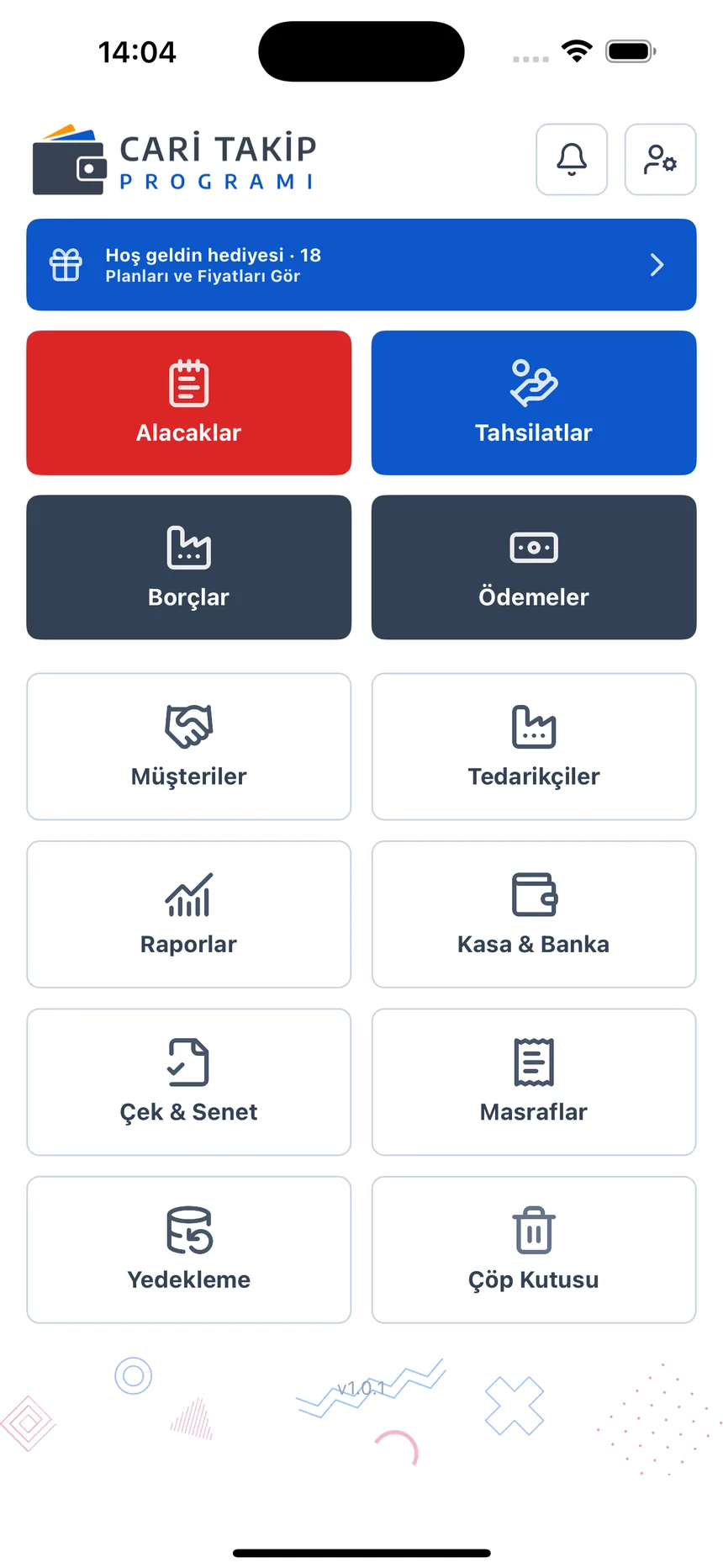
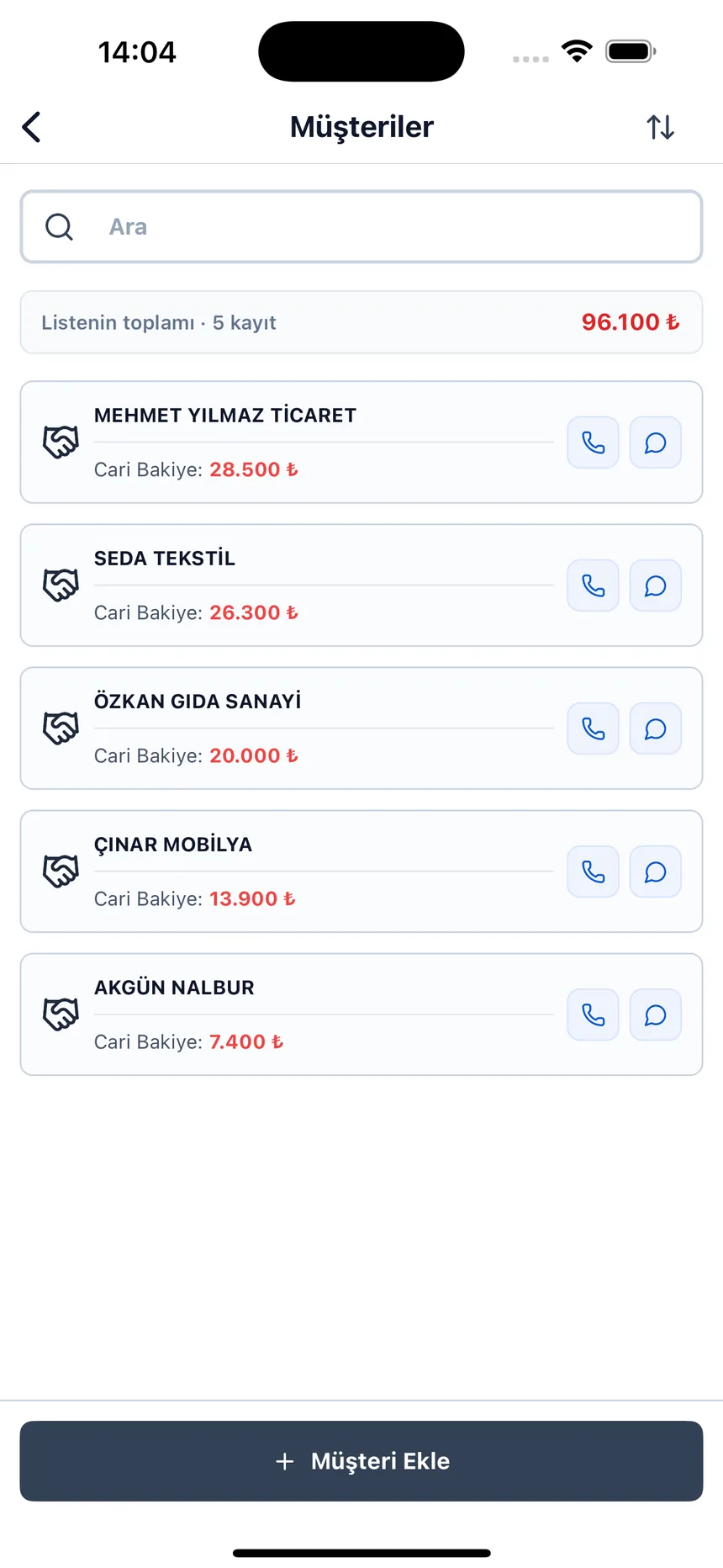
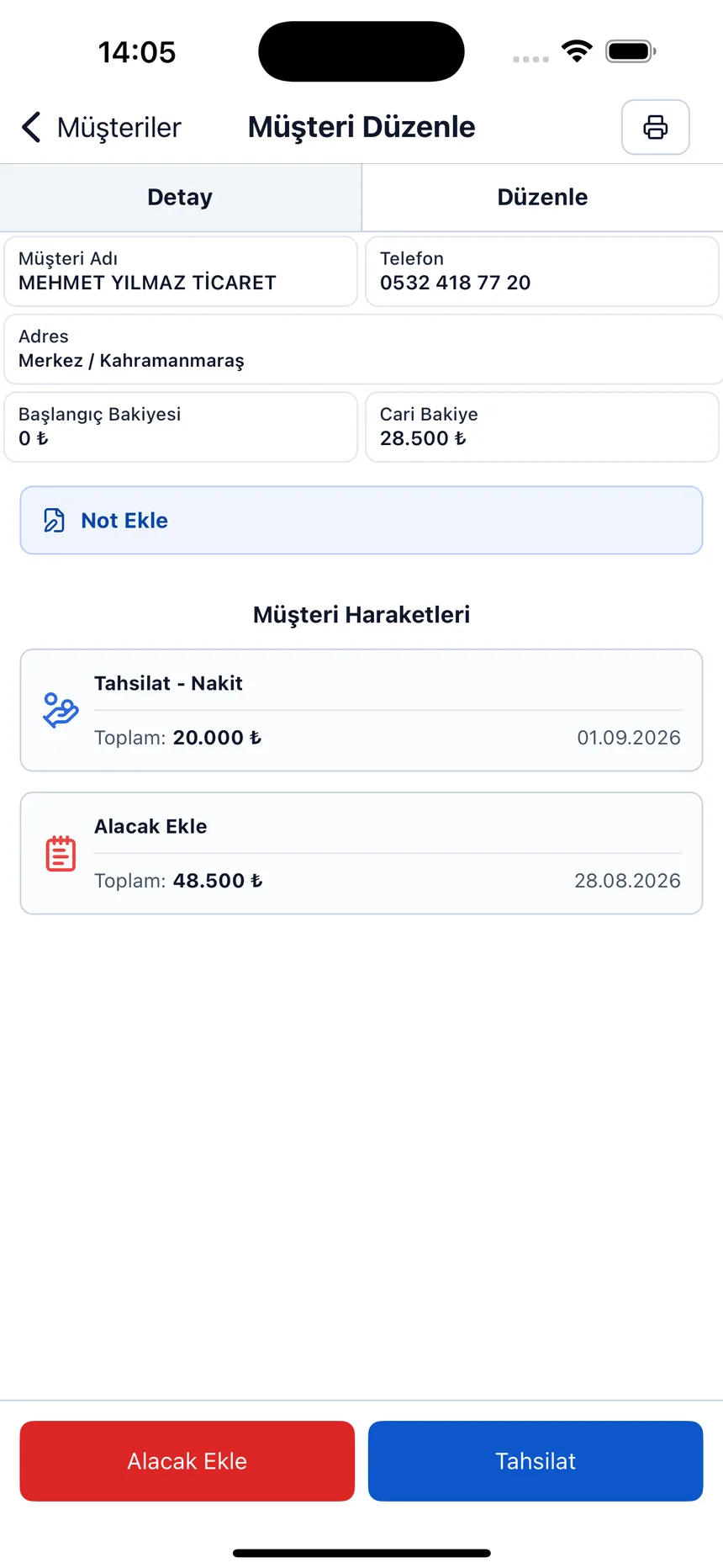
Due date and remaining balance on the receivable record; current balance on the customer list.
Don't compile the due list by hand every morning
Open a free account and enter sales with their due dates; overdue ones are gathered at the top automatically.