
How do you track cheques and promissory notes?
Cheque and promissory note tracking means keeping the cheques and notes you receive and issue in two separate portfolios, recording each with the account name, document number, bank, amount and due date, sorting the list by days remaining until maturity, and closing every item that falls due on the same day as collected, paid or bounced. An amount that bounces is written back to the account as a debit on the same day — otherwise the receivable gets lost between the two lists.
On an open account, what you track is a balance. With cheques and notes, what you track is individual documents: each has its own due date, its own amount and its own outcome.
Tracking cheques and notes in five steps
1. Keep received and issued cheques in two separate lists
All cheque and note tracking rests on this distinction. Received cheques and notes are negotiable instruments you took from a customer and will collect at maturity; issued ones are debts you wrote to a supplier and must pay at maturity. Keeping both in one list is the most common mistake: the total comes out meaningless because it subtracts money to be collected from money to be paid. The separate totals of the two lists, on the other hand, are your cash plan directly — what will come in and what will go out next month.
2. Open each record with six pieces of information
Six fields make a cheque or note trackable: who it was received from or issued to (account name), cheque or note, document number, bank (left empty for a note), amount and due date. If one is missing, the record is no longer searchable: a cheque without a number can’t be matched at the bank, and a note without an account name leaves you not knowing whom to write it back to if it bounces.
3. Sort the list by days until maturity, not by amount
Sorting the portfolio by amount puts the largest cheque on top, but what concerns you is which one comes first. Show how many days remain until maturity on every row and sort the list by that column. For issued cheques, this order is a payment calendar: if the amount of the nearest cheque isn’t in the cash box, you see the problem weeks ahead. On the received side, which cheque you’ll deposit at the bank on which day can be read from the same list.
4. Close the record on the due date; don’t leave it pending
When a cheque falling due is collected, or an issued cheque is paid, the record should be closed the same day. Records left open inflate the portfolio total, and after a while the list can’t be trusted — once you reach “I think we got this one last month,” tracking is over. Also write which cash box or bank account you received the collection into; at month-end, the cash count and the portfolio confirm each other.
5. Write a bounced item back to the account the same day
When a cheque bounces at the bank or a note goes unpaid at maturity, your receivable doesn’t disappear, it just changes form: a receivable tracked by document goes back to being an open-account receivable. Close the record as “bounced” and post the same amount back as a debit to that account. If this step is skipped, the receivable gets lost between the two lists: it looks closed in the portfolio and doesn’t appear at all on the account. The legal process is a separate matter; consult a specialist on what to do.
Example: the cheque portfolio on the morning of September 19
The portfolio of a small wholesaler that trades on credit. If the same records were gathered in one list, they would give a misleading total like “I have 47.000 ₺ in cheques”; split in two, the real question becomes visible — will there be enough money in the cash box at the start of October?
| Direction | Party | Type | Bank | Due | Amount | Status |
|---|---|---|---|---|---|---|
| Received | Customer A — hardware store | Cheque | Ziraat | 24.09.2026 | 14.500 ₺ | 5 days left |
| Received | Customer B — building supplies store | Note | — | 02.10.2026 | 9.800 ₺ | 13 days left |
| Received | Customer C — ironmonger | Cheque | İş Bankası | 15.09.2026 | 6.200 ₺ | 4 days overdue |
| Issued | Supplier D — paint | Cheque | Garanti | 30.09.2026 | 11.000 ₺ | 11 days left |
| Issued | Supplier E — packaging | Note | — | 05.10.2026 | 5.500 ₺ | 16 days left |
Total received 14.500 + 9.800 + 6.200 = 30.500 ₺, total issued 11.000 + 5.500 = 16.500 ₺. Today’s job fits on one line: Customer C’s cheque is four days overdue; find out whether it was returned by the bank and close the record. If it bounced, 6.200 ₺ is written back to C’s account as a debit the same day, and the receivable returns to normal due-date tracking. Between September 30 and October 5, 16.500 ₺ will go out; against it, 24.500 ₺ looks set to come in over the same period, so the calendar holds.
How do you track cheques and notes in Excel?
One row per document: direction, account name, type, document no., bank, amount, due date. If the due date is in column G, days remaining and status come from two formulas:
Kalan gün :  =G2-BUGÜN()
Durum     :  =EĞER(G2-BUGÜN()<0;"VADESİ GEÇTİ";EĞER(G2-BUGÜN()<=7;"BU HAFTA";"VADESİ VAR"))
Alınan toplam :  =ETOPLA(A:A;"Alınan";F:F)
Verilen toplam:  =ETOPLA(A:A;"Verilen";F:F)
The last two formulas give two separate totals; your cash plan is the difference between these two numbers. Don’t delete a closed document from its row — add a Status column at the end, write “collected,” “paid” or “bounced,” and limit the total formulas to open records only. We explain the debit-and-credit logic itself on the what is a cari account page and the due-date routine for receivables without documents on the collection and due-date tracking page; for a ready-made setup with formulas, see the free customer account tracking template. For a ready-made file that comes set up with these formulas, direction and status lists, and the totals of received and issued items falling due this month, you can download the free cheque and note tracking Excel sheet.
Tracking cheques and notes with a program
The Cheques and Notes screen of Account Ledger: Debt & Credit shows the portfolio with the distinction above, in two columns: received cheques and notes on the left, issued ones on the right; each column starts with that side’s total. If a column has overdue records, the overdue amount is gathered in a separate warning bar above the column.
When opening a new record, you first choose the direction (received / issued), then the type (cheque / note); then enter the document number, bank name, amount and due date. In the list, each row shows the account name, document number, bank and due date; next to it, it writes in red how many days remain until maturity, or how many days overdue if it’s past — you don’t have to sort by hand. When the due date arrives, use the button on the row to close the record as collected (received) or paid (issued), and if you wish, choose which cash box it was posted to; if you don’t use the cash module, this field can be left empty. If a cheque is returned by the bank, close it from the same place with the bounced option. Cheques and notes approaching their due date are also gathered in the due-date report.
If you also manage stock and sales in the same program, Ofisx, and if you keep a credit ledger in retail, Veresiye Takibi may suit you better; the comparison of all four is on the which one is right for me page.
Frequently asked questions
What is cheque and note tracking?
Cheque and note tracking is the routine of keeping the amount, due date and status of the cheques and notes you receive and issue on record, and collecting or paying those that fall due on time. How it differs from open-account tracking is that the receivable or payable is tied to a document: what you track is not a balance but individual documents.
What is the difference between a cheque and a promissory note?
A cheque is drawn on a bank and collected through the bank; a promissory note is a written promise to pay between two parties, and a bank doesn’t have to be involved. For tracking, both are followed with the same fields — amount, due date, party — but for a cheque the bank name and cheque number are also recorded; for a note these fields are usually left empty.
Why should received and issued cheques be kept separately?
Because one is incoming cash and the other is outgoing cash. When they are combined in one list, the portfolio total answers no question. Kept apart, you get two numbers: the amount to be collected and the amount to be paid in the coming period. A cash squeeze can be seen in advance by comparing these two numbers date by date.
What should I post to a customer’s account when I receive a cheque from them?
The common practice is to close the account’s debt when you receive the cheque and take the amount into the cheque portfolio; that way the same receivable doesn’t show in two places at once. This closing is conditional: if the cheque bounces, the amount is written back to the account as a debit the same day. For how to keep the accounting entry, consult your accountant.
How do I track cheques that are about to fall due?
Sort the portfolio by days remaining until maturity and review the next 30 days once a week. For issued cheques, compare that period’s total against the amount in the cash box and the amount to be collected; if there’s a gap, you see it weeks in advance. For received cheques, the due date is the day to deposit at the bank, which can be read from the list.
Can cheque and note tracking be done in Excel?
It can, and it is enough for a small number of documents: each document a row, days remaining a formula, the status column a filter. Excel’s limits are that the list doesn’t refresh itself and that writing a bounced cheque back to the account is left entirely to your memory. As the number of documents grows, these two points produce errors.
Should I delete a bounced cheque from the records?
Don’t delete it. Close the record with the “bounced” status and write the amount back to the account as a debit. A deleted record also takes away the only history you have when deciding whether to work with that account in the future; it’s the place you’ll look when taking a cheque from the same customer a second time.
Last updated: 2026-09-27
Inside the app
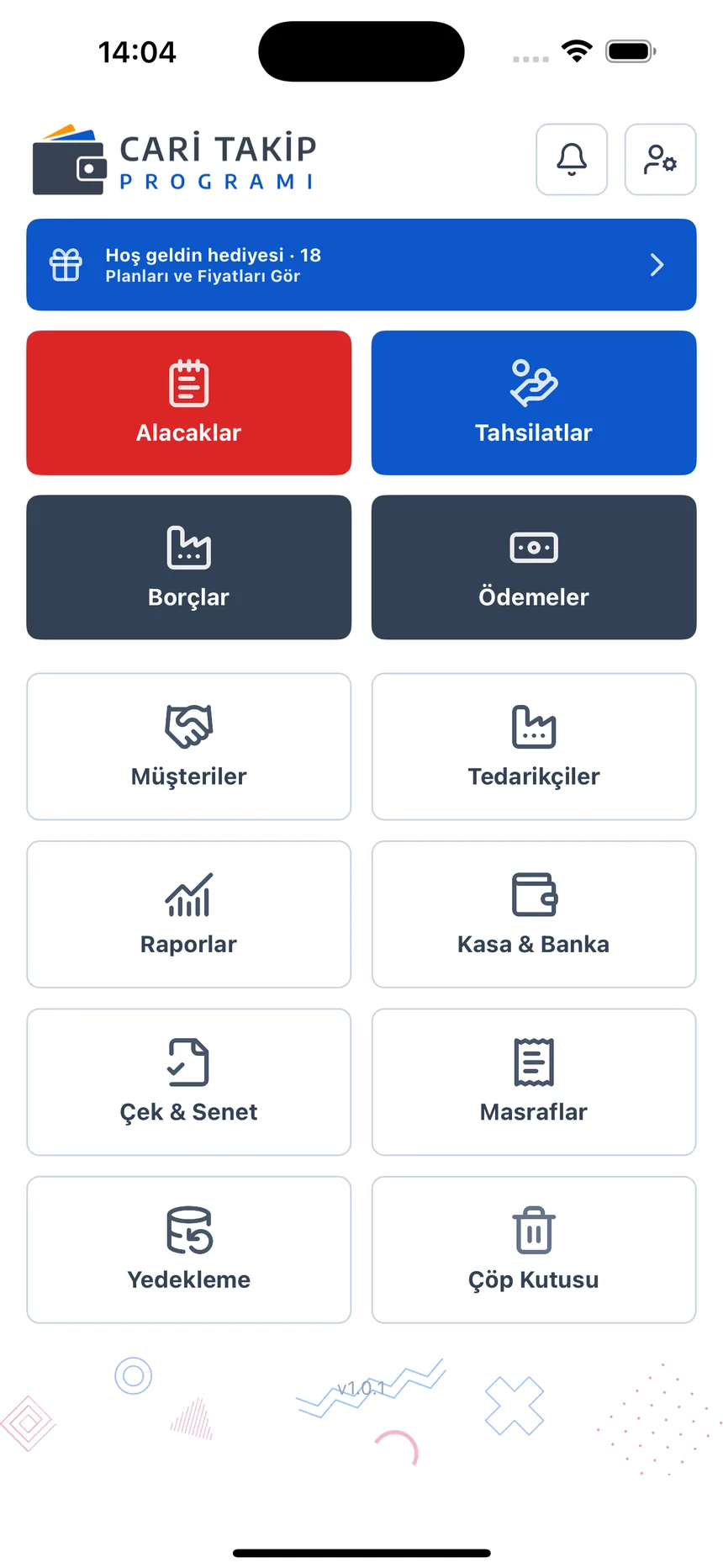
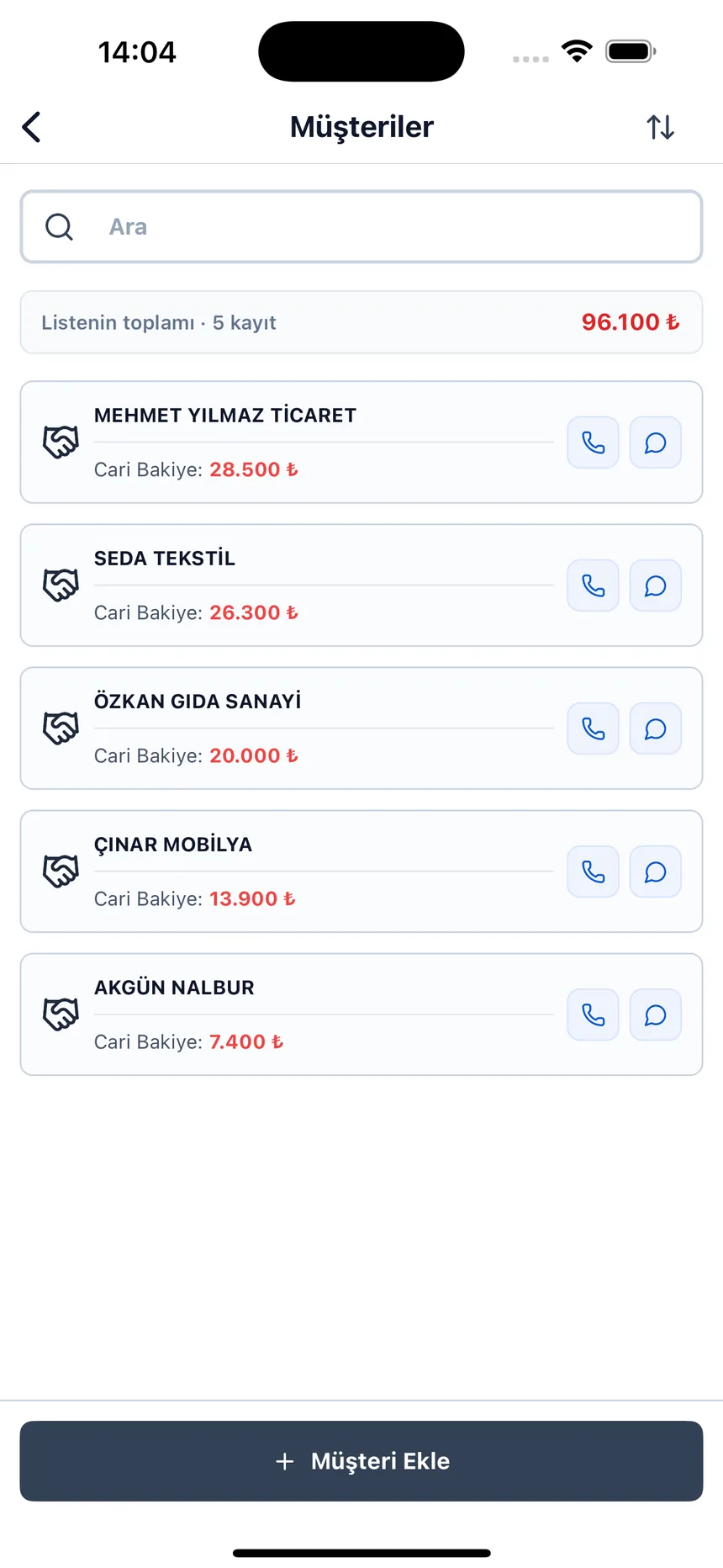
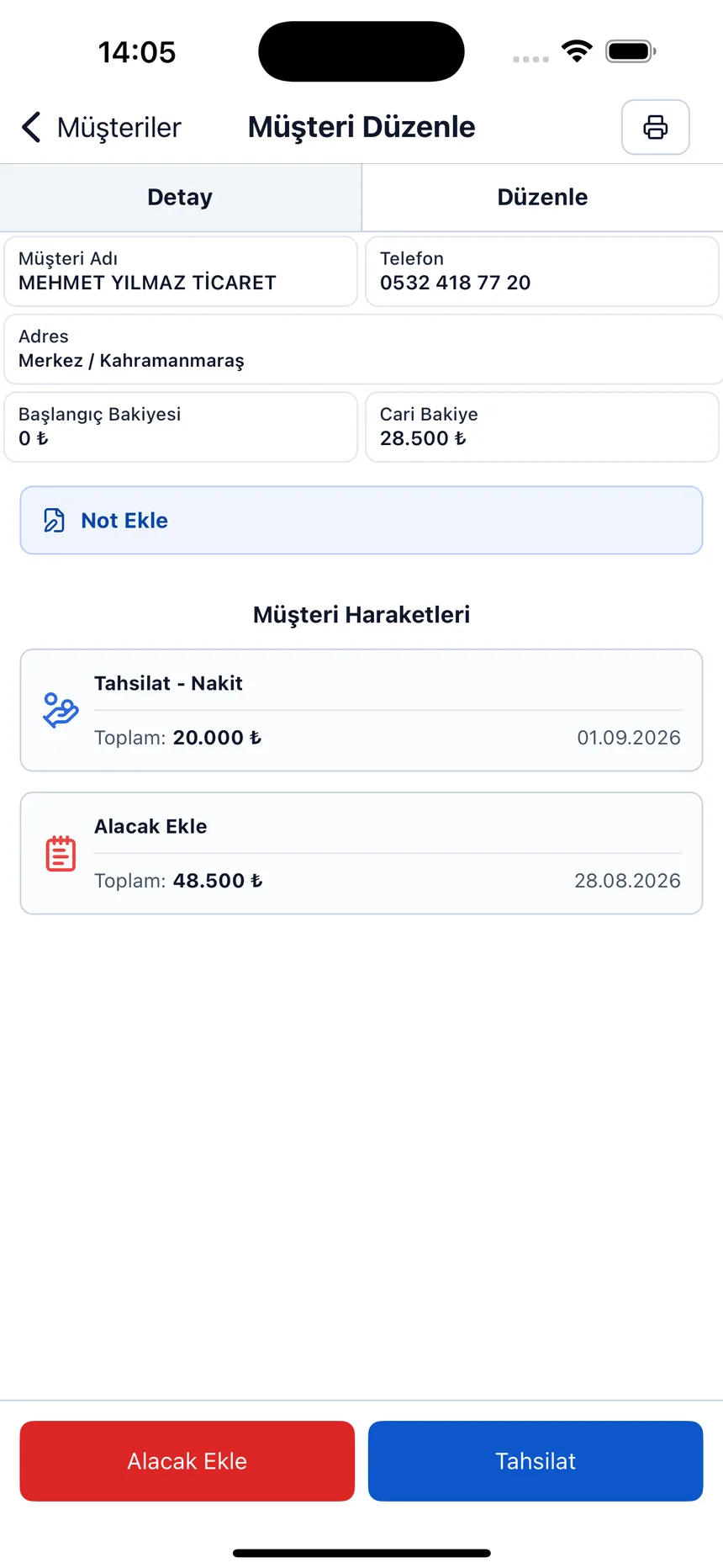
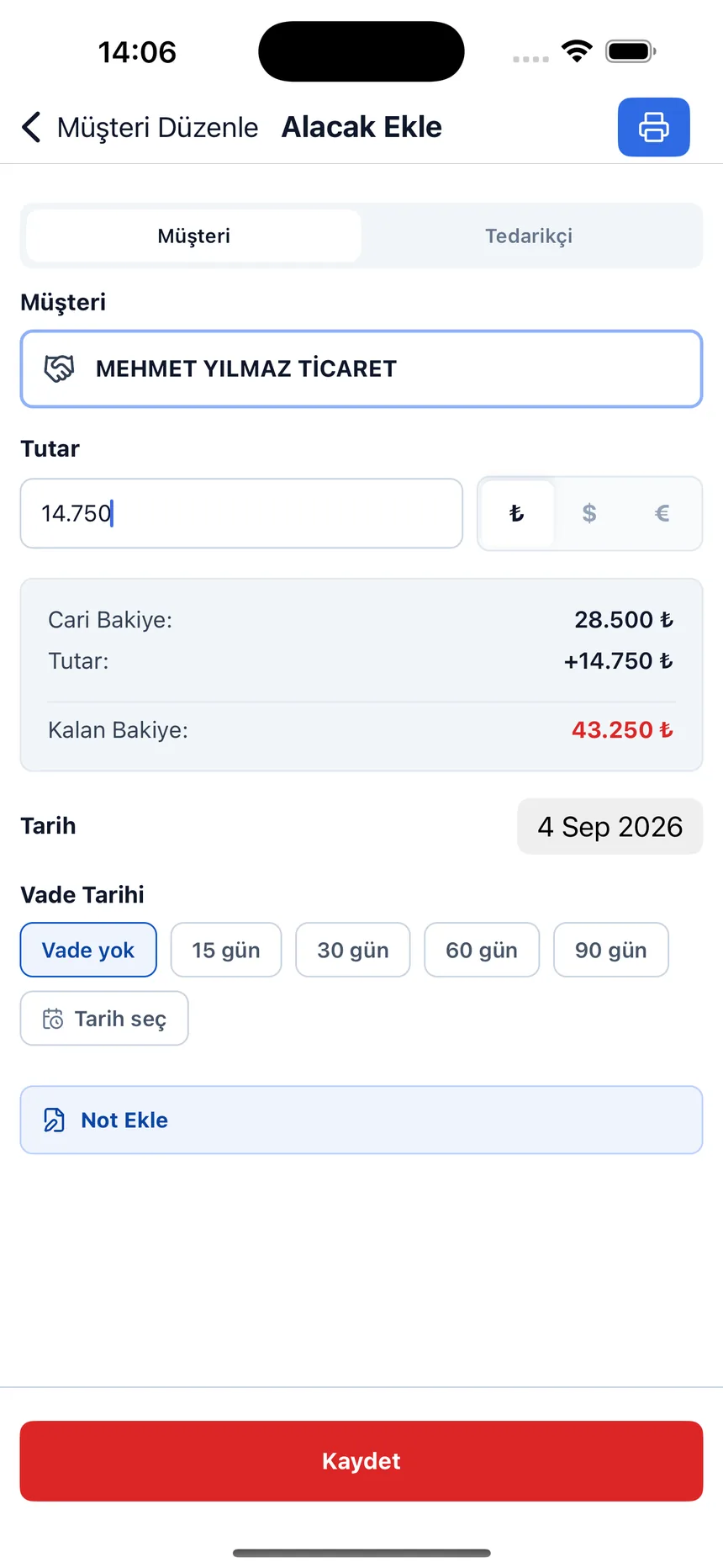
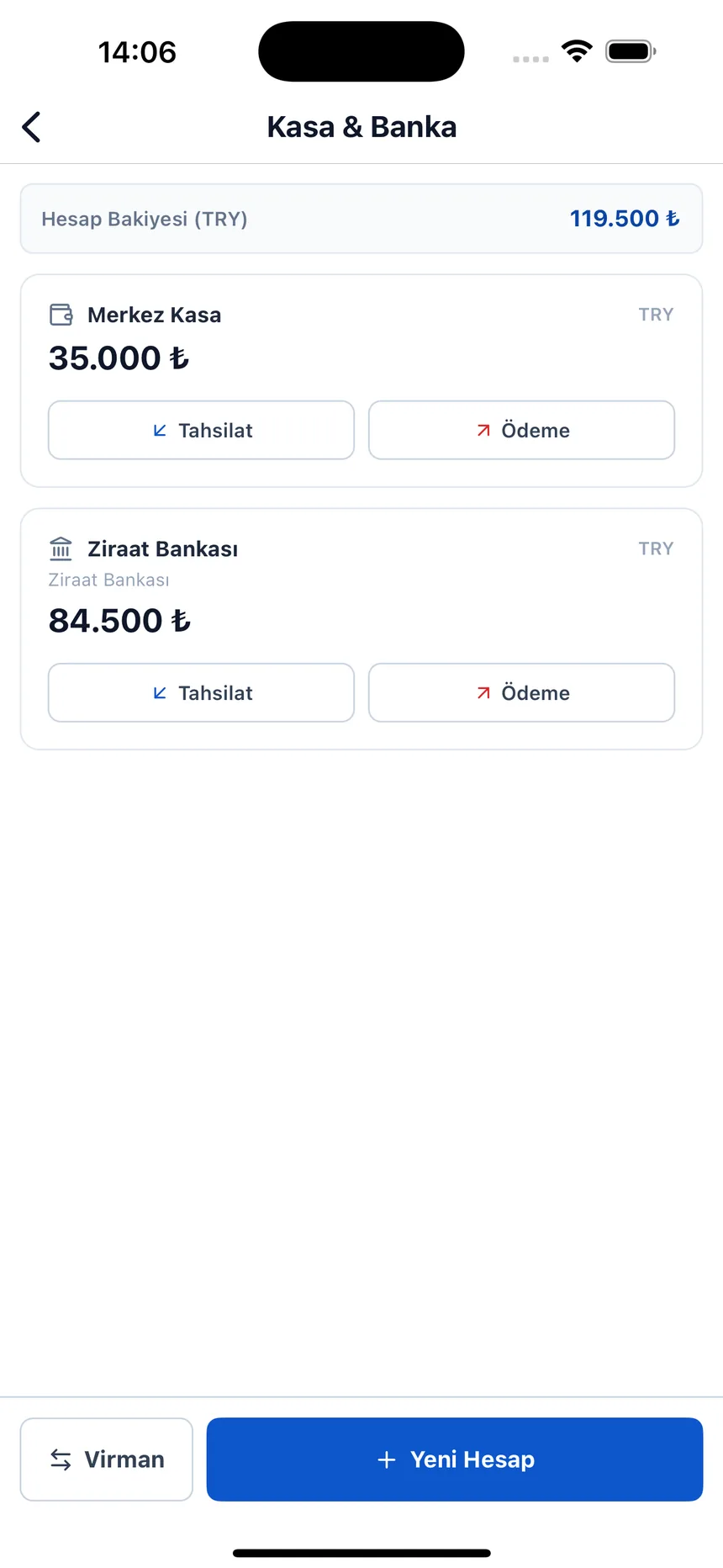
Due date and remaining balance on the receivable record; what came into which account on the cash screen.
Don’t track the portfolio in a notebook
Open a free account; keep received and issued cheques apart with their own totals, and let overdue ones turn red.