
How to request an account statement
You request an account statement (cari ekstre) with a short email or letter to the other party. It states your full company name and tax ID number, the start and end dates of the period requested, the fields the statement must contain (date, document number, description, debit, credit, running balance, and the opening balance on the first line), the format requested (usually PDF) and a deadline for the reply. When the statement comes back, you compare it line by line with your own records; if they match, you have the balance confirmed in writing.
This page has four texts you can copy and use: an email asking a customer or a supplier for a statement, a formal request letter, and an email to use when you send your own statement. What a statement is and how to read it is a separate topic, covered on the what is an account statement page.
Let's get one distinction straight first: a statement request asks the other party for a list of transactions, while an account reconciliation letter asks only for confirmation of the balance. They come in that order — the statements are compared first, then the balance is confirmed; that procedure is on the how to reconcile accounts page.
What to write when requesting a statement: five steps
1. State the period with dates
Give the start and end day explicitly: “01.01.2026 – 25.09.2026”. A request like “recent transactions” or “this year's statement” comes back with a range the other party chose themselves, and the two statements won't line up on the same day. If the period starts mid-way, ask for the opening balance to appear on the first line.
2. Say which fields you need
Date, document number, description, debit, credit and the running balance on every line. A statement without document numbers won't show you which invoice you diverged on when a difference appears; a summary that gives only a total is not a statement.
3. Specify the format and the deadline
Ask for the document as a PDF; if it will make comparing with your own records easier, you can ask for Excel as well. Write a deadline — a request without a date gets put in a queue and forgotten.
4. Include your identifying details
Write your full registered company name and tax ID number. This is how the other party finds which account card they hold you under; it is also where cases of the same company sitting on two separate cards most often come to light.
5. Compare the statement you receive with your own records
Look at the opening balances first, then the number of lines. If a line doesn't match, look for the difference by date, not by total; if everything matches, have the balance confirmed in writing. The details of the comparison are on the reconciliation page.
Email asking a customer for an account statement
Use this to find out how the customer's debt to you appears in their records. Replace the parts in square brackets with your own details:
Put the period and your company name in the subject line: accounting departments receive dozens of requests in the same week and later search the mailbox by the period name.
Email asking a supplier for an account statement
Use this to see what your debt to the supplier looks like in their records before you make a payment. It also helps to ask whether the payments you made appear on the statement:
Sample account statement request letter (formal petition)
Although searches call it a “petition” (dilekçe), this is not an official form; it is a sample of correspondence used between businesses, and there is no single template you must follow. Use this format if the other party's accounting department wants a written request, or if you want the request to go out on letterhead with a company stamp and signature:
Situations where the letter needs to have legal effect — a disputed receivable, or preparation for enforcement or a lawsuit — call for a separate assessment; in that case, consult your accountant or lawyer.
Email to use when sending your own statement
If you are the party who was asked for the statement, or if you are sending your own statement ahead of time to make the other party's work easier, keep the email short and state the direction of the balance clearly:
Put the company name and the cut-off date in the file name; the other party will search for attachments by that name months later. Send the document as a PDF — an editable file means the figures you sent could be changed afterwards.
How do you prepare the statement you'll send?
With Excel: the quickest way to prepare a statement for a single account is the free account statement sample Excel template: you enter the transactions and the print-ready document fills in on its own, running balance included. You convert it to PDF and attach it to your email.
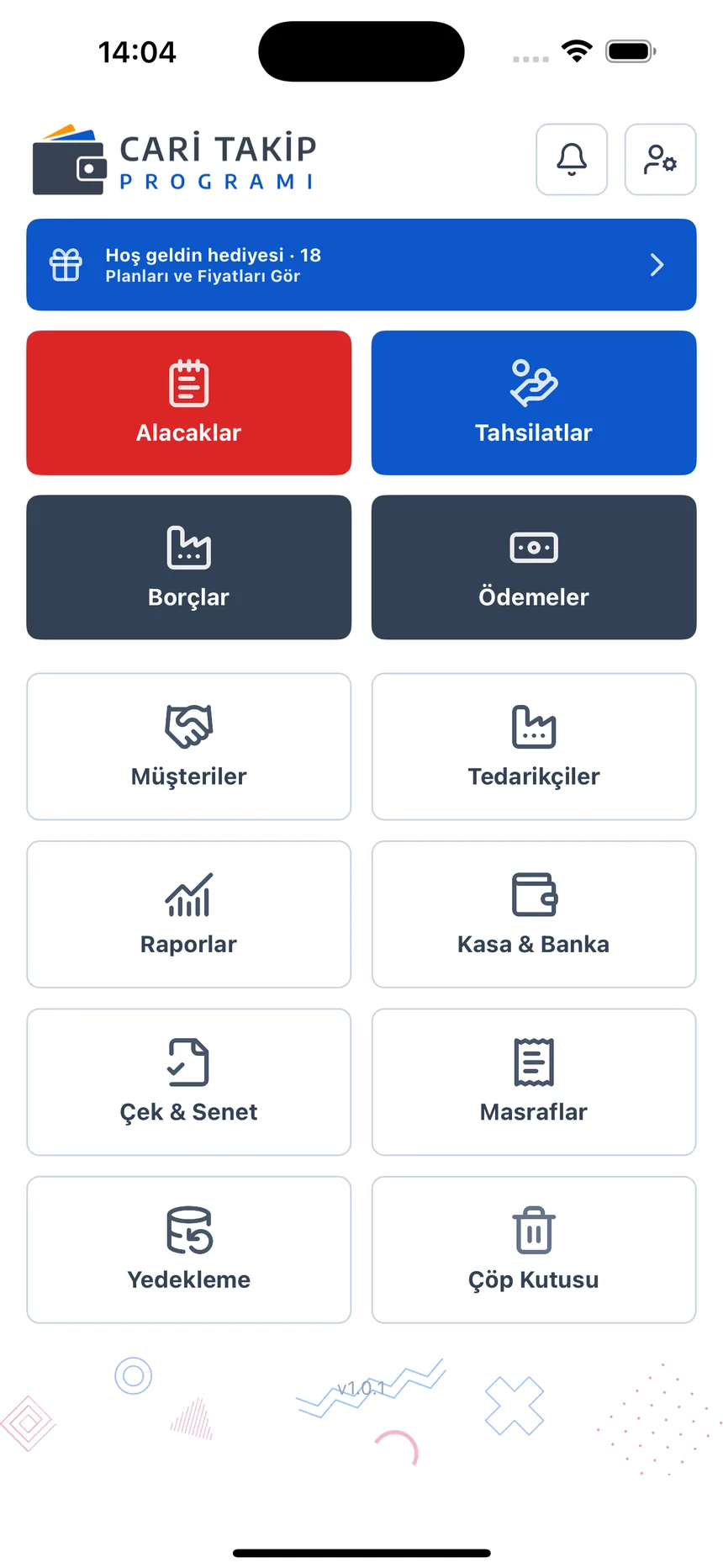
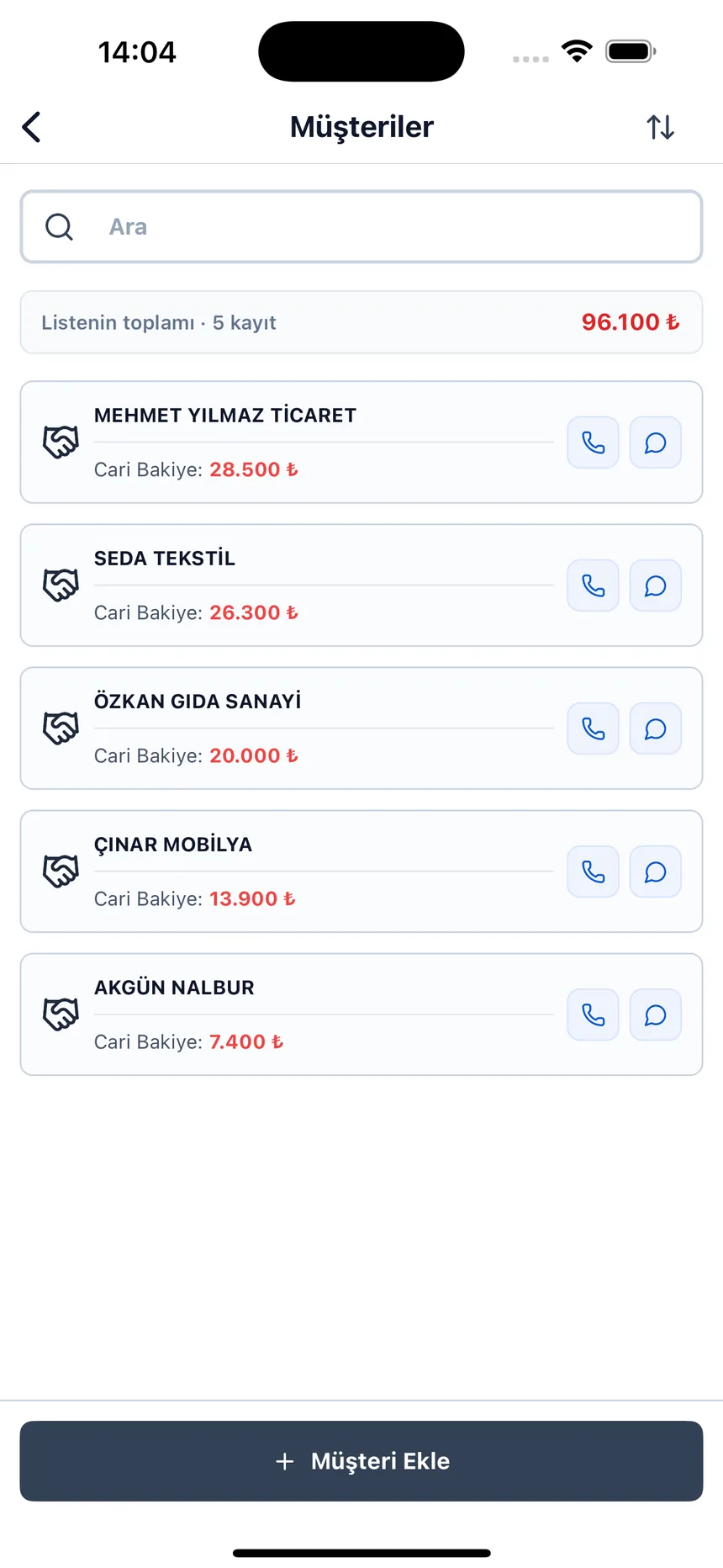
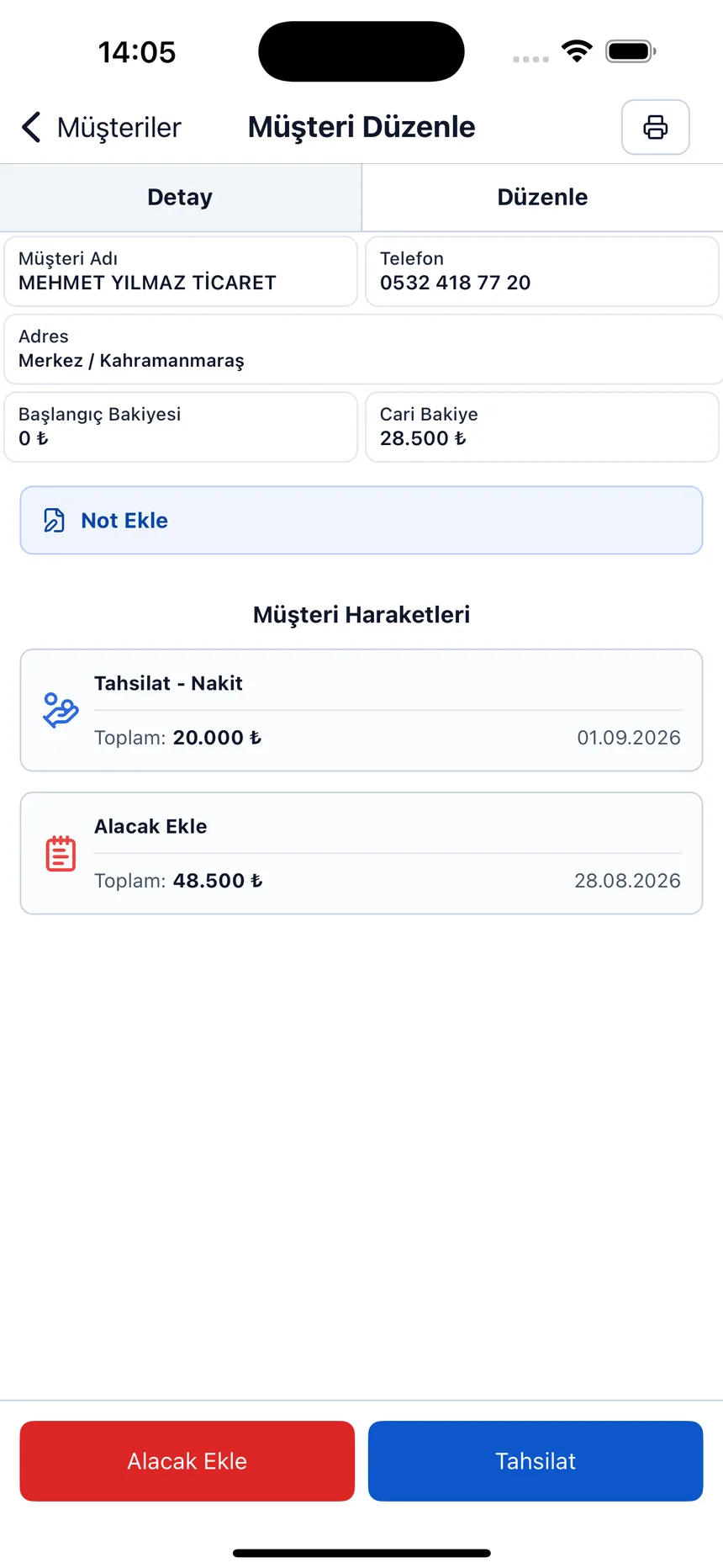
With the app: in Account Ledger: Debt & Credit you open the Account Statement tab on the customer or supplier card and choose the start and end date; the transactions in the period, the carried-forward balance and the current balance come already calculated. The Print Statement button opens a document showing your company details, the date range and the transactions with their balance in the browser's print dialog; from there you save it as a PDF and attach it to your email. The panel does not send the statement directly by email or WhatsApp; you attach the PDF to the email above yourself.
What do you do with the statement you receive?
1. Check the opening balance. If the two sides' starting figures for the period don't match, the problem is not in this period but before it; go back there first.
2. Compare the number of lines. In the same date range, is there an invoice, payment received or return that you have and they don't (or the reverse)? The amount of the difference often corresponds directly to a single document. A sample table for this comparison is on the how to reconcile accounts page.
3. If they match, have the balance confirmed in writing. A statement is a list of transactions, not a confirmation. To have the other party confirm the closing balance together with the cut-off date, use the reconciliation letter and email sample.
Frequently asked questions
How to request an account statement
You send the other party a short email or letter. It includes your full company name and tax ID number, the start and end date of the period requested, the fields the statement must contain (date, document number, description, debit, credit, running balance), the format requested (usually PDF) and a deadline for the reply. Stating separately that the opening balance should be shown on the first line prevents an incomplete statement.
How often should you request an account statement?
There is no binding schedule; each business sets up its own routine. For accounts you work with regularly, requesting one monthly or quarterly is a practical habit. Don't wait to ask before a payment, at period end, when you see an unexpected jump in a balance, or when you are finishing work with an account.
What if the other party doesn't send a statement?
First, send one reminder after the deadline. If it still doesn't arrive, send your own statement and ask “does this match your records?”; the other party's job shrinks from preparing a statement from scratch to comparing. Silence does not mean approval; keep a record of the dates you sent. If there is a dispute or legal process involved, consult your accountant or lawyer.
What is the difference between requesting a statement and requesting reconciliation?
A statement request asks the other party for a list of transactions: which invoice, payment or return was posted on which date. A reconciliation letter asks for confirmation of a single figure, that is, the balance on a specific date. The usual order is: first the statements are compared, the difference is closed, and then the balance is confirmed through reconciliation.
What format should you request the statement in?
PDF for the document you send: it can't be edited, looks the same on every device it is opened on, and can't be changed afterwards. If you'll compare line by line with your own records, you can also ask for an Excel version of the same statement; it shortens the sorting and filtering work. State in the message which one will count as the valid document.
Is an account statement request letter an official document?
The request letter on this page is not an official form; it is a sample of correspondence used between businesses, and there is no single template you must follow. Printing it on letterhead and sending it with a company stamp and signature gives the letter weight and a paper trail. For situations where the letter needs to have legal effect, consult your accountant or lawyer.
How do I prepare and send my own account statement?
You can use a ready-made statement template in Excel or take the statement from your account management software. Save the document as a PDF and attach it to an email; in the email, state the period, the closing balance and whether the balance is debit or credit in one sentence. WhatsApp works too, but email keeps both the document and the sending date on a permanent record.
Last updated: 2026-09-26
The statement you'll send, in the app
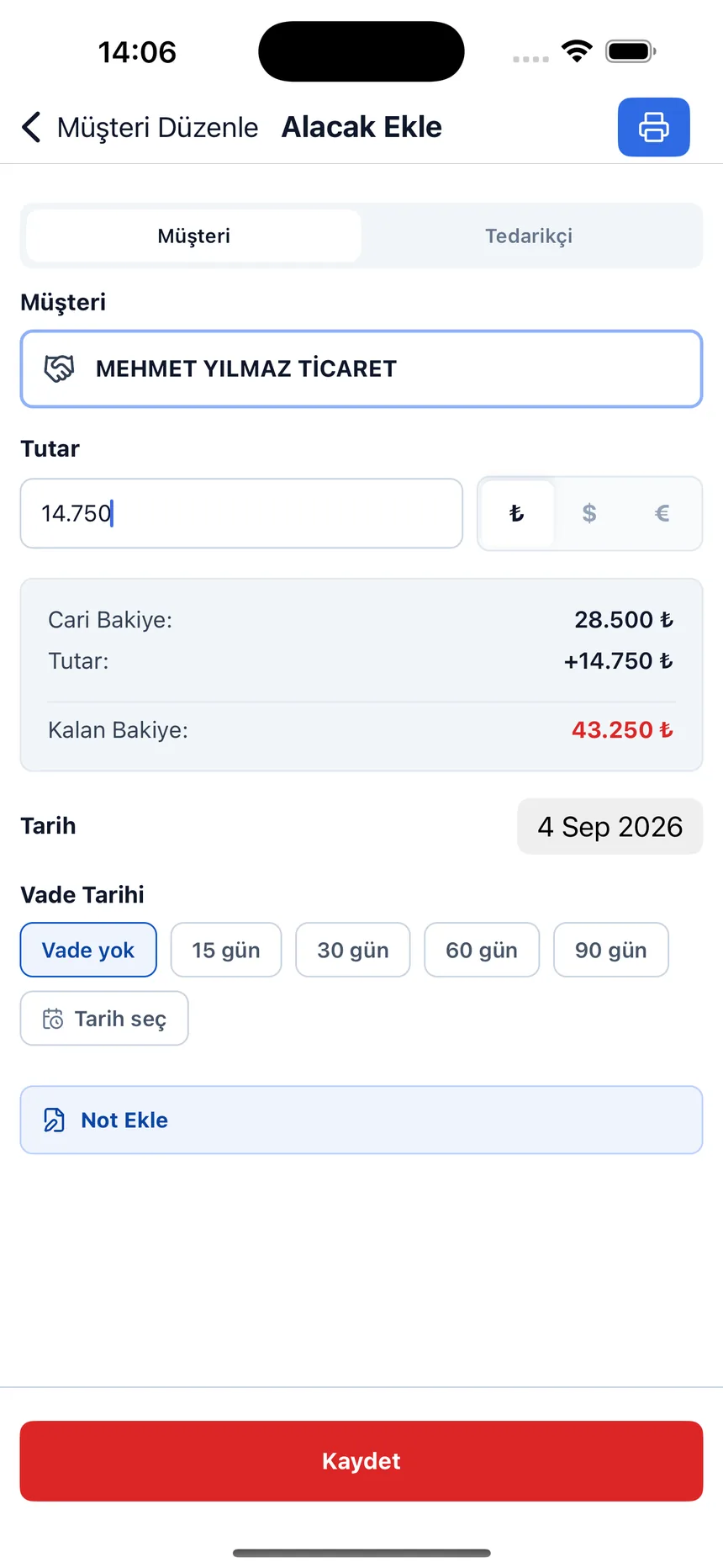
Open the account card, choose the date range, and the transactions come ready with their running balance.
Don't prepare the statement by hand when one is requested
Open a free account and let the statement build up as you enter transactions; all you need to do is choose the date range and print.